check_circle_outline
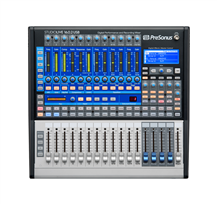
Massive mix capacity - 66 inputs to mix in a small format live sound digital mixer
check_circle_outline
1 ViSi Connect™ option card slot for 64x64 expandsion of digital I/O including the MultiDigital Card (Firewire/USB/ADAT), BSS Digital Audio Bus (BLU Link), Dante™, CAT5 or optical MADI, AVIOM™, CobraNet™ and others
check_circle_outline
Assignable Fader Layers - Customise each of the four fader layer pages or add faders
check_circle_outline
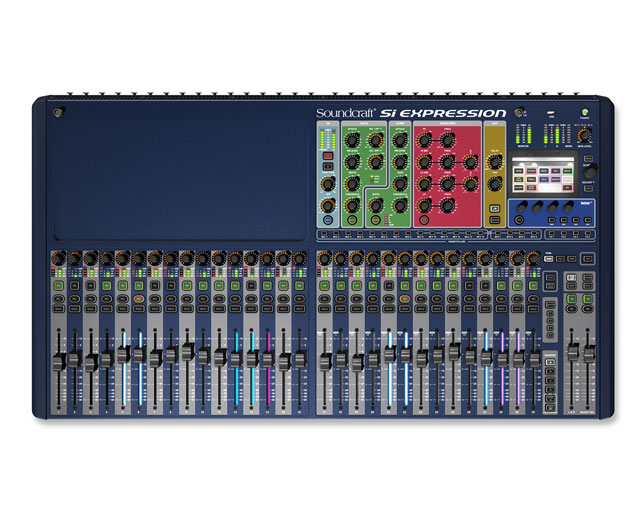
With each control dedicated to a given function there is never any 'layering' of controls or navigating through screens
check_circle_outline
TOTEM™ - The One Touch Easy Mix; press a single key to mix to an AUX, FX or Matrix bus, the surface and monitoring instantly reconfigure to allow instant mixing to your chosen bus on the faders.
check_circle_outline
Soundcraft FaderGlow™ - Illuminates the fader slots according to function with clearly defined colours
check_circle_outline
BSS® GEQ - With a BSS GEQ on every bus there is never any need to assign from a pool of resources and you will never 'run out' of processing.
check_circle_outline
Security Lockout - Lock the whole console or just selected elements, manage the security with the users and profile settings.
check_circle_outline
D.O.G.S. (Direct Out Gain Stabiliser) - Prevents manual change of a mic gain control affecting direct out levels, perfect when 2 consoles share a stagebox or when recording the channel direct outputs
check_circle_outline
Global Mode Controls - A row of rotary controls above each fader assignable at the touch of a button to be GAIN, PAN or HPF for all of the inputs allowing instant access to the core functions.
check_circle_outline
Copy & Paste - Copy whole channels, busses, mixes, Lexicon™ effects, a single part or multiple parts
check_circle_outline
Instant Access Keys - Dedicated keys on the front panel for STORE, RECALL, NEXT, MUTE 1-4, TAP TEMPO and more negate the need to dive into screen & context menus.
check_circle_outline
Function Focus – Whenever a control is moved or SELect key pressed the screen displays information about the channel identifying the absolute value of the controls and the channel name, number etc.
check_circle_outline
Everything Everywhere - All channels and busses have a full complement of processing, nothing to assign or configure.